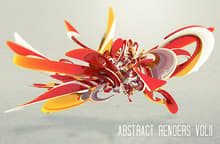
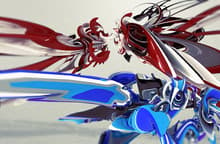
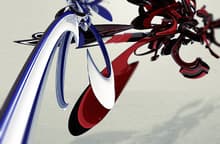
WOOW !!! I love very much these really beautiful and excellently made 3D Renders, very artistic and great colors and shapes. Would be very good to know how have been done
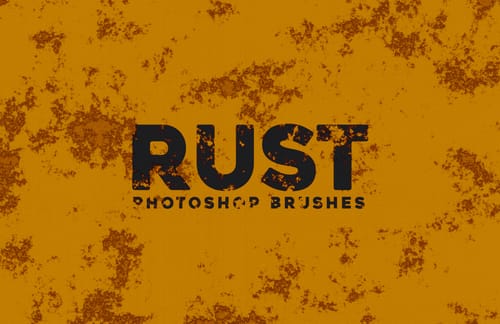
You have to load brushes files (.ABR) through the brushes palette in Photoshop. To get there, select the brush tool and click the drop down to select a brush. You should see a small arrow in the top right of the palette. Click the arrow and then click “Load Brushes”. There’s more info on brushes and other great PS tips here.
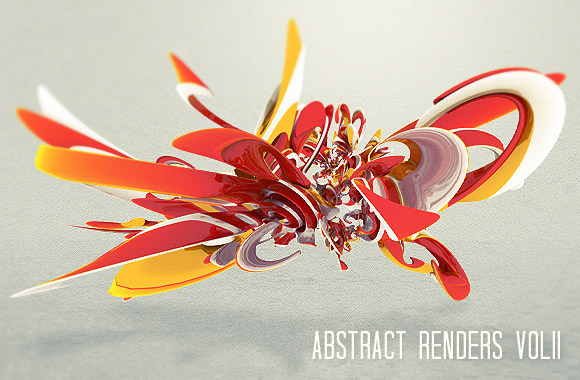
3d abstract renders are often used by graphic designers to add a new dimension to their works. So here is for our members a new exclusively set containing 20 abstract renders, organized on 20 layers of a .psd file (also available in .png format). The set was created exclusively for us by digital artist Joe Moore.
Nice one. Love the colors. :)
Yeh colors and details are amazing. Great job Joe!
Nice 3D renders, thanks for sharing!
Nice texture..cool share
WOOW !!! I love very much these really beautiful and excellently made 3D Renders, very artistic and great colors and shapes. Would be very good to know how have been done
how do i get these brushes to come up in photoshop CS5?
You have to load brushes files (.ABR) through the brushes palette in Photoshop. To get there, select the brush tool and click the drop down to select a brush. You should see a small arrow in the top right of the palette. Click the arrow and then click “Load Brushes”. There’s more info on brushes and other great PS tips here.