Congratulations to all of you, great work!! thank you very much for sharing and helping people like me in our daily work… i just found some nice “solutions”
greetings.
I have one problem is I download your brush already but How can I used it.because when I load brush from the brush preset , it not show as your picture provide,it is very clear and not blur like your.I really like your brush but I very poor on this.please help me.
thank before hand for willing to tell me about this technique.
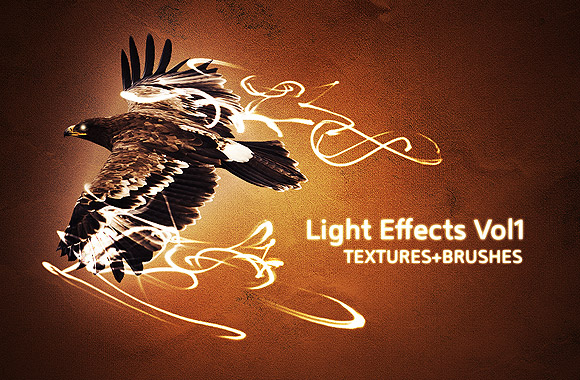
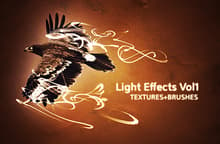
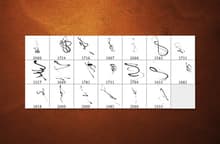
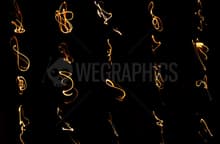
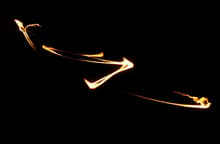
Today we’re releasing a new resource pack: 10 light effect textures + 10 light effect PS brushes. They are perfect if you want to give vividness to your images. They have been created simply using a match and my old camera.
“They have been created simply using a match and my old camera.”
well thought :),
these are great Brushes, I’m really impressed by the result
Hi Thomas,
I’m glad to receive a compliment by a Photoshop brushes expert like you ;-)
Your job is excellent man..this is one I was looking for
-Thanks a ton…
:(
Im not an expert .. but .. i really like this set of brushes !
thank u very much !
* Argentina *
Hi Analaura!
Thanks for the compliments
how do i download this? its lovelyyyyyyyy
amaazing brushe
but how we can downlode it ..??
I’m excited to try these brushes… thank you!!
:)
I love your brushes cannot wait to use them!!
Very well done :o
This is exacly what i was looking for!! Very detailed job. Thank u once again ;)
Awesome tutorial, Looks kinda like one of the projects im working on right now!
.-= Aivea´s last blog ..Aivea Commerce Server Professional Services =-.
Congratulations to all of you, great work!! thank you very much for sharing and helping people like me in our daily work… i just found some nice “solutions”
greetings.
Thank you Dude!
Realy awesome!
thax again for sharing good stuff ;)
Thank you !! :)
Maybe i need it some Day!
thank’s
Thank you very much for sharing! This is brilliant!
Dear sir
I have one problem is I download your brush already but How can I used it.because when I load brush from the brush preset , it not show as your picture provide,it is very clear and not blur like your.I really like your brush but I very poor on this.please help me.
thank before hand for willing to tell me about this technique.
anping
Hi Anping,
Take a look at this tutorial: it will explain you how to use light effect brushes in Photoshop:
http://wegraphics.net/blog/tutorials/how-to-create-amazing-light-effects-in-photoshop/
Just replace the smoke brushes with the light effect ones
That will help me a lot. Many thanks….
thanks a lot