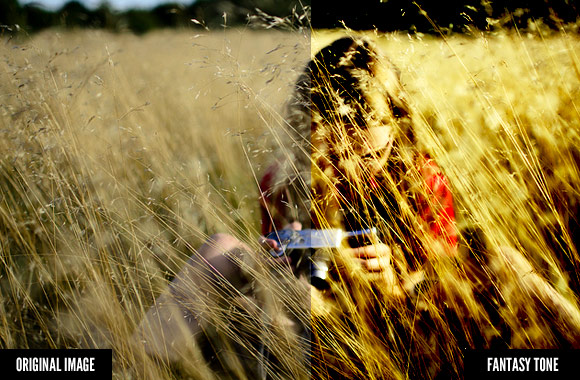

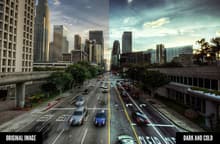
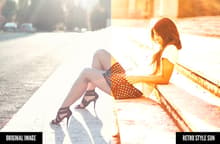


This set of 10 Photoshop actions allows you to create cinema-like effects with the click of a button. The actions utilize adjustment layers so that you can edit and fine tune each effect.
Graphics > Styles & Effectsby Nathan Brown
This set of 10 Photoshop actions allows you to create cinema-like effects with the click of a button. The actions utilize adjustment layers so that you can edit and fine tune each effect.
Sign up for our mailing list and get new resources sent to your inbox